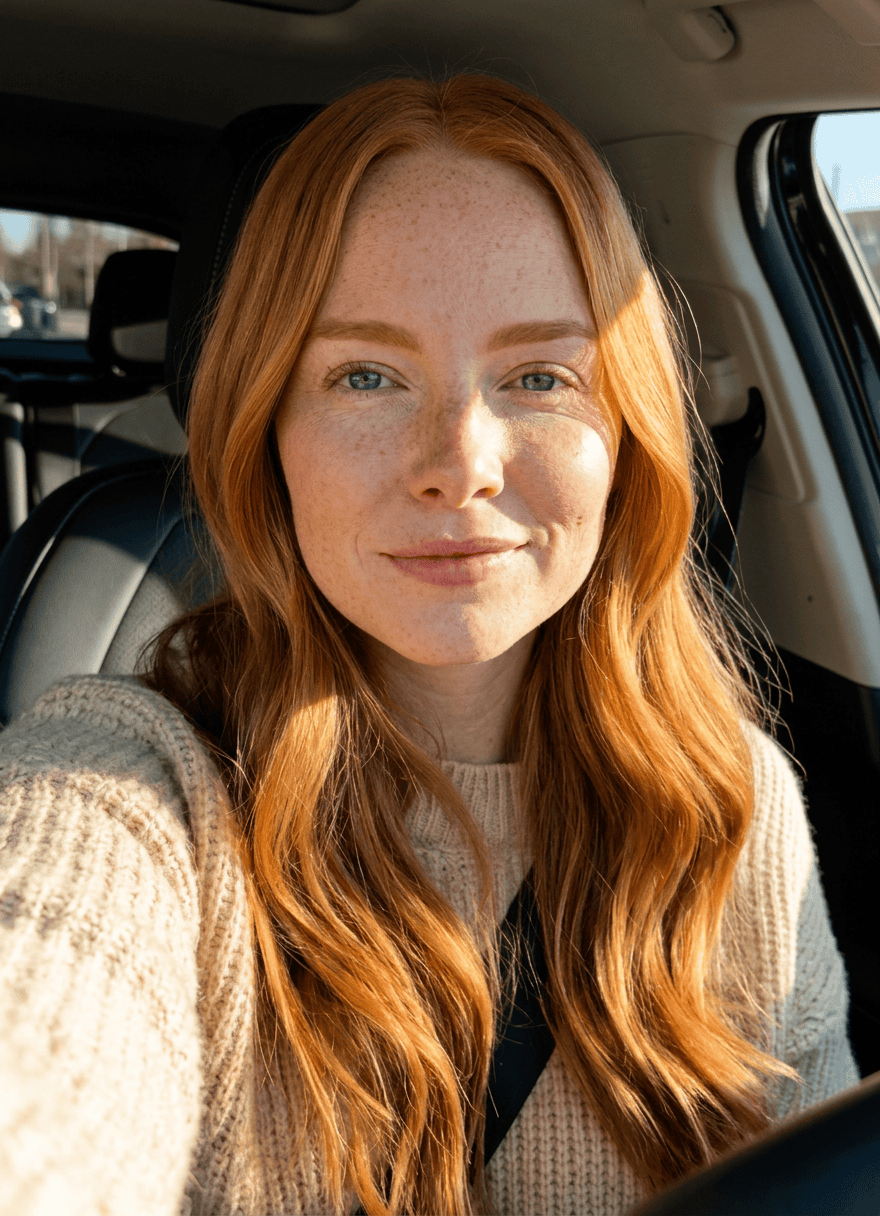
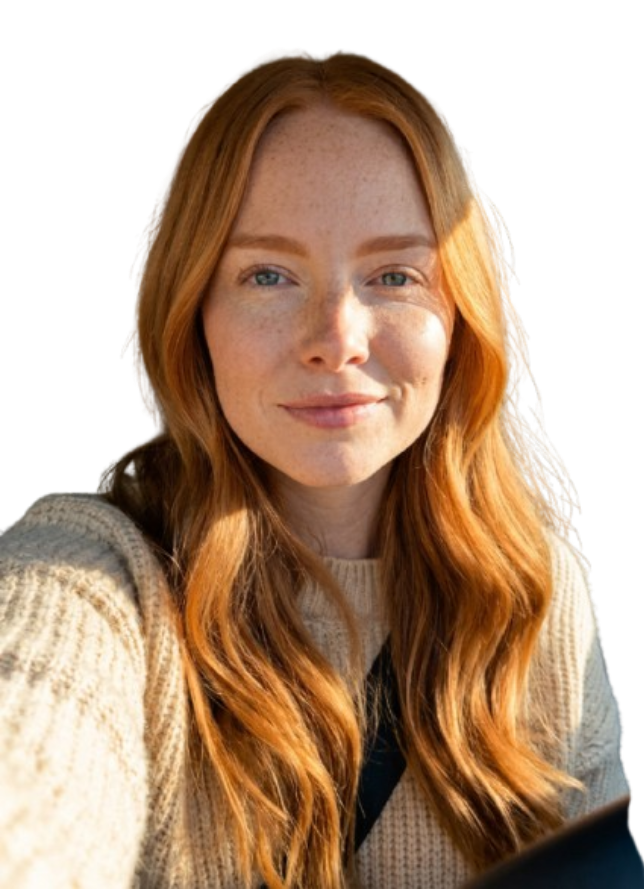
Instagram image sizes that matter
Instagram supports several placements, each with its own ideal dimensions. Posting the wrong ratio leads to awkward auto-cropping that can cut off faces, products or text. The reliable approach is to export each image at the exact size for where it will appear.
The sizes worth saving as presets in 2026 are: square Feed at 1080×1080 (1:1), portrait Feed at 1080×1350 (4:5, which takes the most vertical space in the feed), and Stories and Reels at 1080×1920 (9:16, full-screen vertical). Landscape posts use 1080×566 (1.91:1) but are less prominent in the feed.
Which ratio to use
Match the ratio to the goal: maximum feed presence, a clean grid, or full-screen vertical.
- 4:5 (1080×1350) — portrait Feed; takes the most screen space and usually performs best.
- 1:1 (1080×1080) — square Feed; the safest choice for a consistent profile grid.
- 9:16 (1080×1920) — Stories and Reels; full-screen vertical video and image.
- 1.91:1 (1080×566) — landscape Feed; useful for wide scenes but less prominent.
Avoiding bad crops with safe areas
The biggest pitfall is cropping. When you Fill a frame to a new ratio, parts of the original are trimmed to cover the box. If the subject sits near an edge, it can be cut off — and on Stories, the top and bottom are partly hidden behind the profile and caption UI.
Keep important content within a central safe area, and preview each ratio group before exporting. For Stories especially, leave headroom at the top and bottom so faces and text aren't covered by Instagram's interface.
A batch workflow for multi-placement posting
Social teams rarely post one size. The efficient pattern is to take one source set and export every placement in a single run, so a shoot becomes Feed, Portrait and Stories assets without manual re-cropping.
Defaults that keep an Instagram batch clean:
- Save presets for 1:1, 4:5 and 9:16 so a new batch is one click each.
- Use Fill to remove borders, with the subject inside the safe area.
- Keep dimensions at 1080px wide — Instagram's display width — for sharp results.
- Name outputs by placement and posting order to avoid scheduling mix-ups.
- Preview each ratio before the full export to catch crop loss early.