
 Live
LiveAI Background Remove
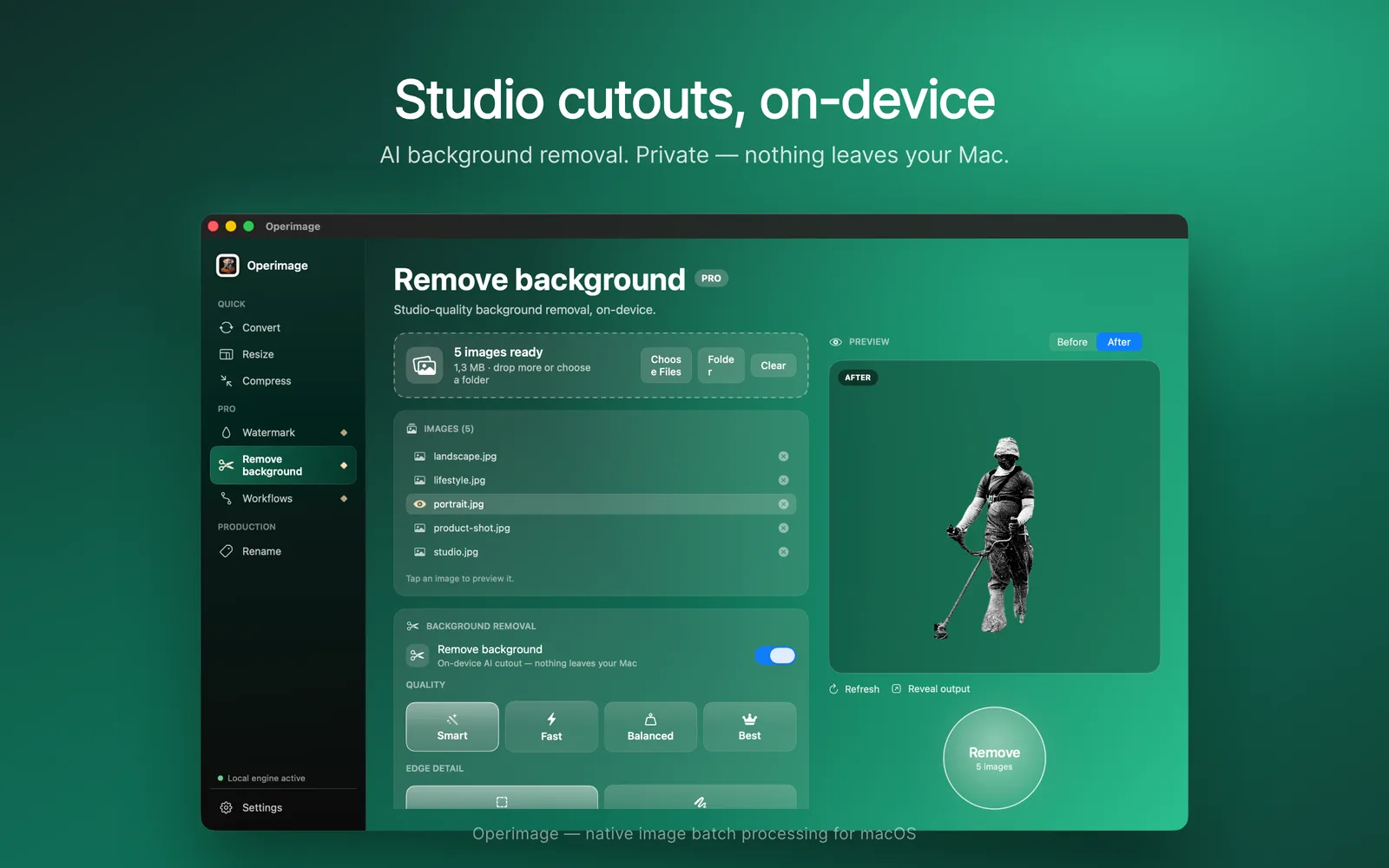
Local Vision segmentation with Smart/Fast/Balanced/Best quality modes.
Native macOS App · v1.0.5
Processes thousands of images locally — resize, convert, compress, watermark, background removal. No cloud. No subscription.

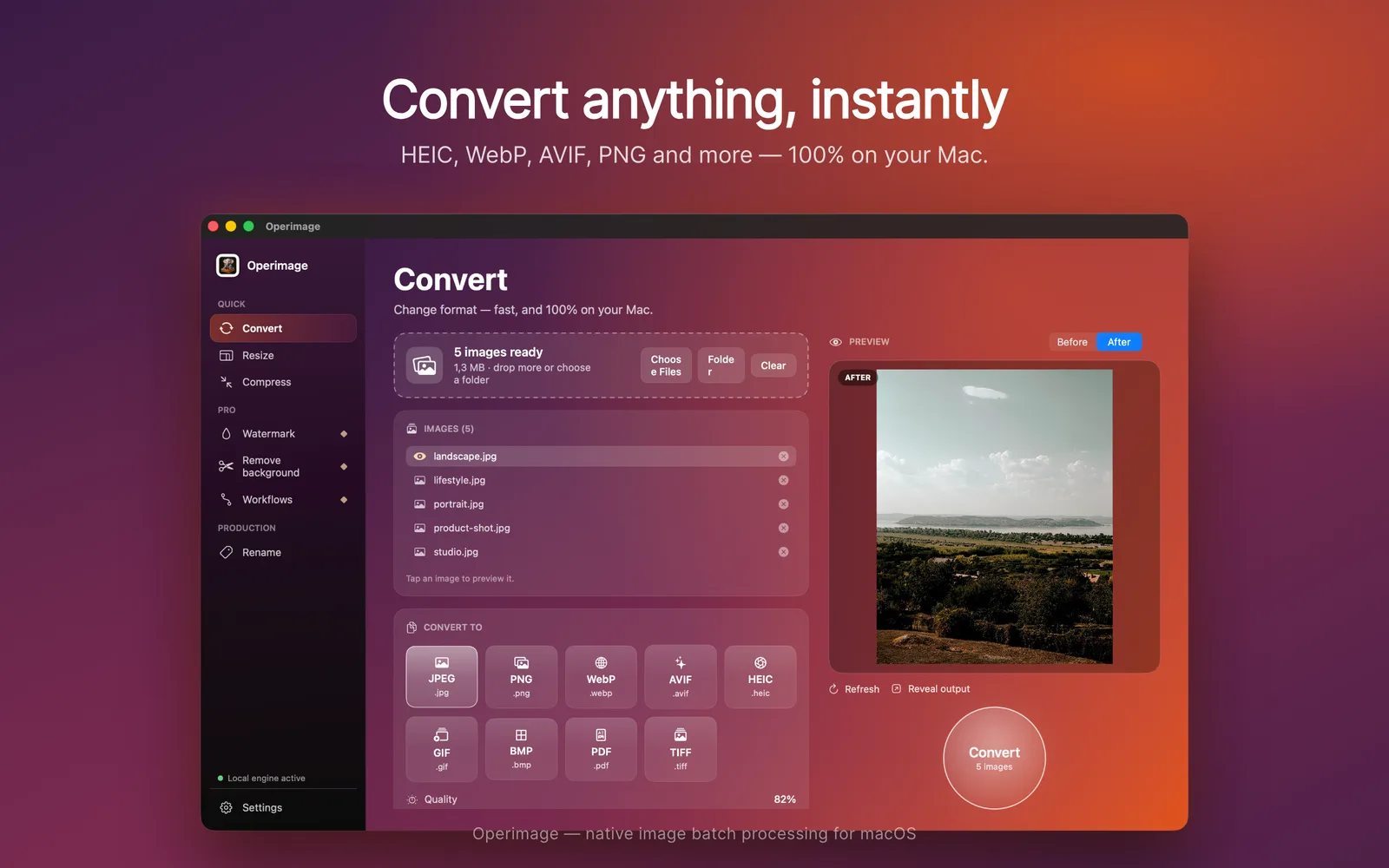
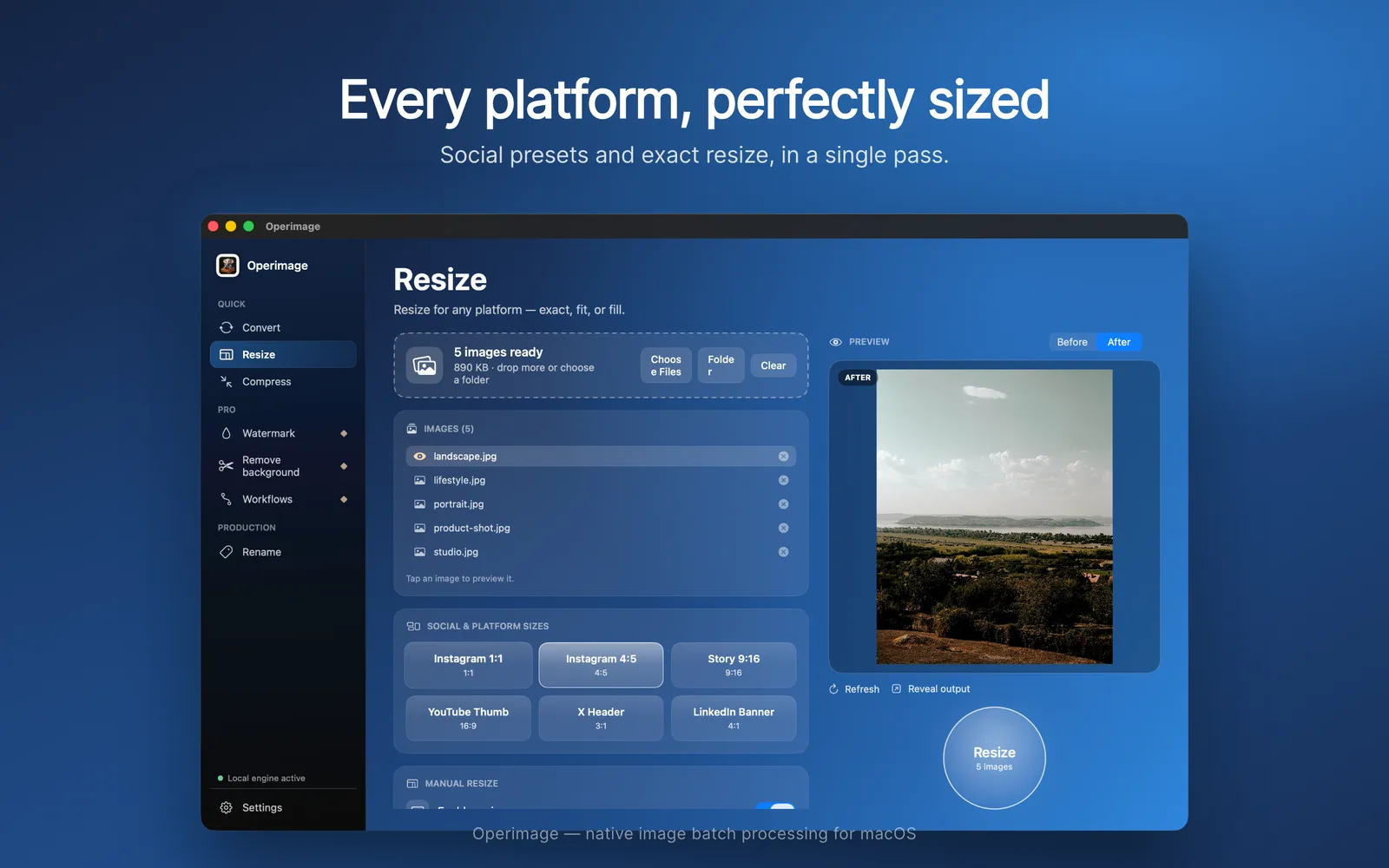
CONVERT
HEIC, WebP, AVIF, PNG, JPEG, TIFF, PDF and more — ten formats. Drop in a folder, pick a target, and export the whole batch 100% on your Mac.
RESIZE
Instagram, Stories, YouTube and marketplaces — built-in presets plus exact, fit, fill and pad in one batch pass.
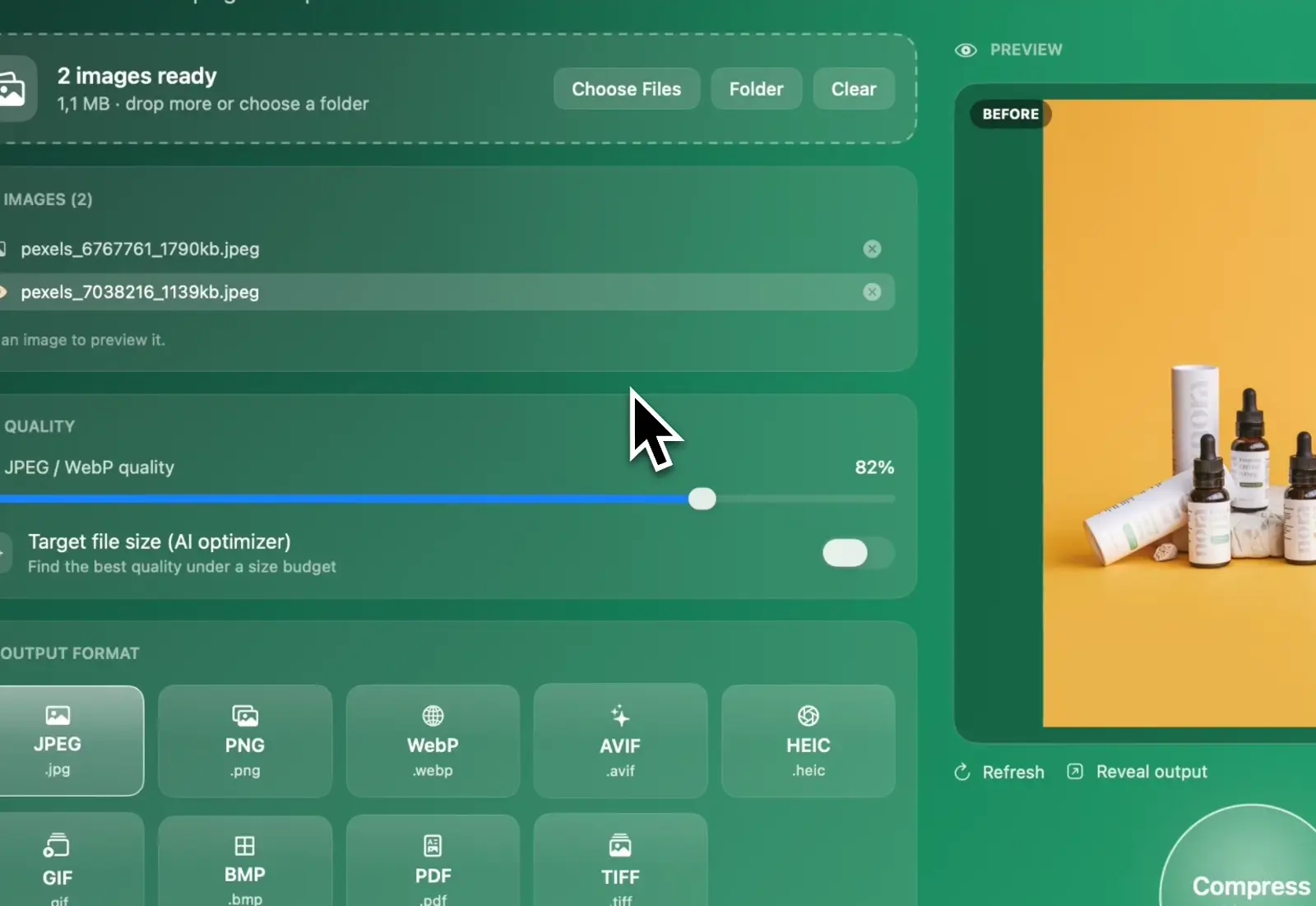
COMPRESS
Hit an exact target file size or dial in quality — then strip metadata and optimize colors across the whole batch.
REMOVE BACKGROUND
Clean edges on hair and product shots with local AI. Private and fast — nothing ever leaves your Mac.
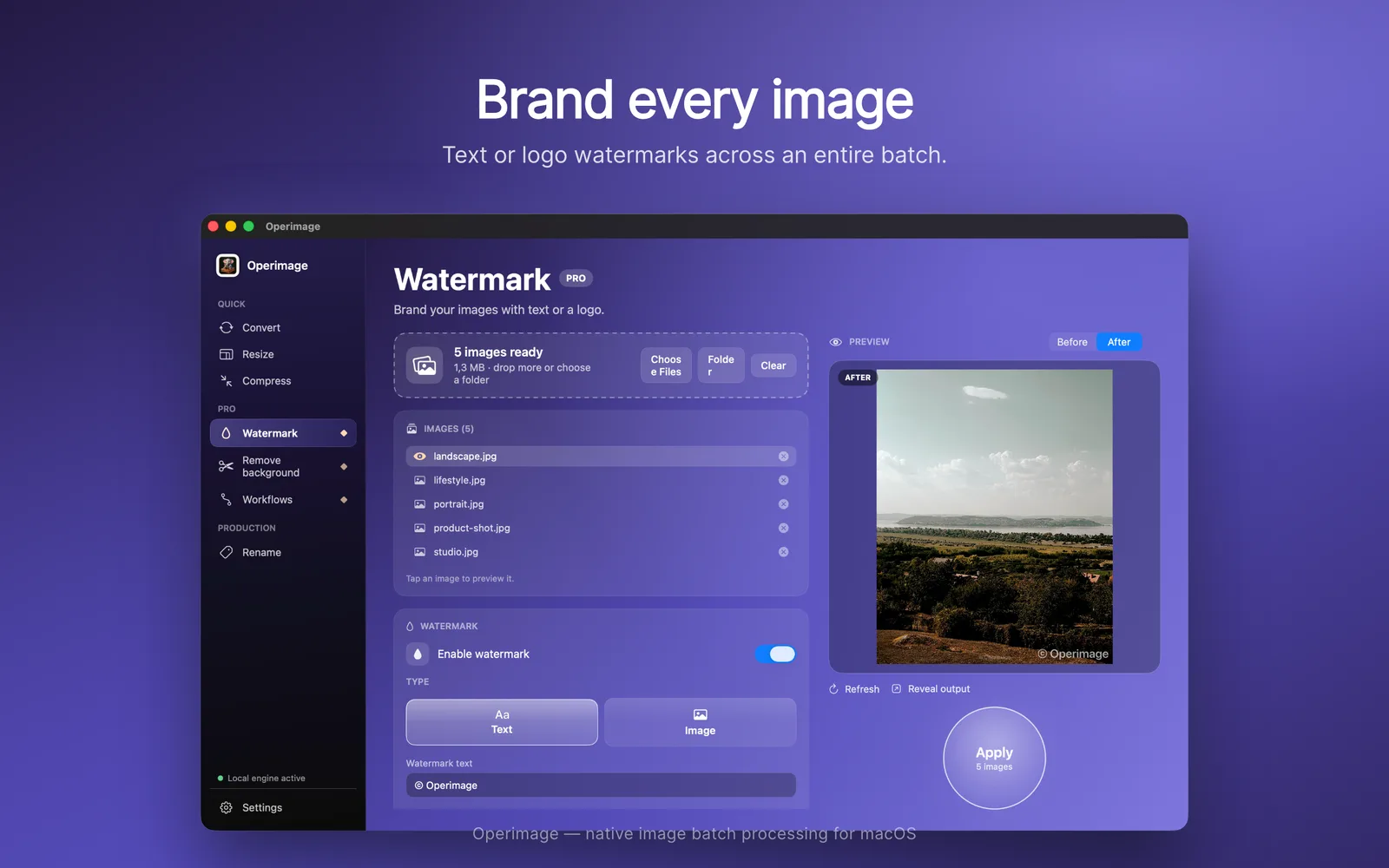
WATERMARK
Text or logo watermarks with opacity, font size, padding and 9-point placement — applied across the whole batch.
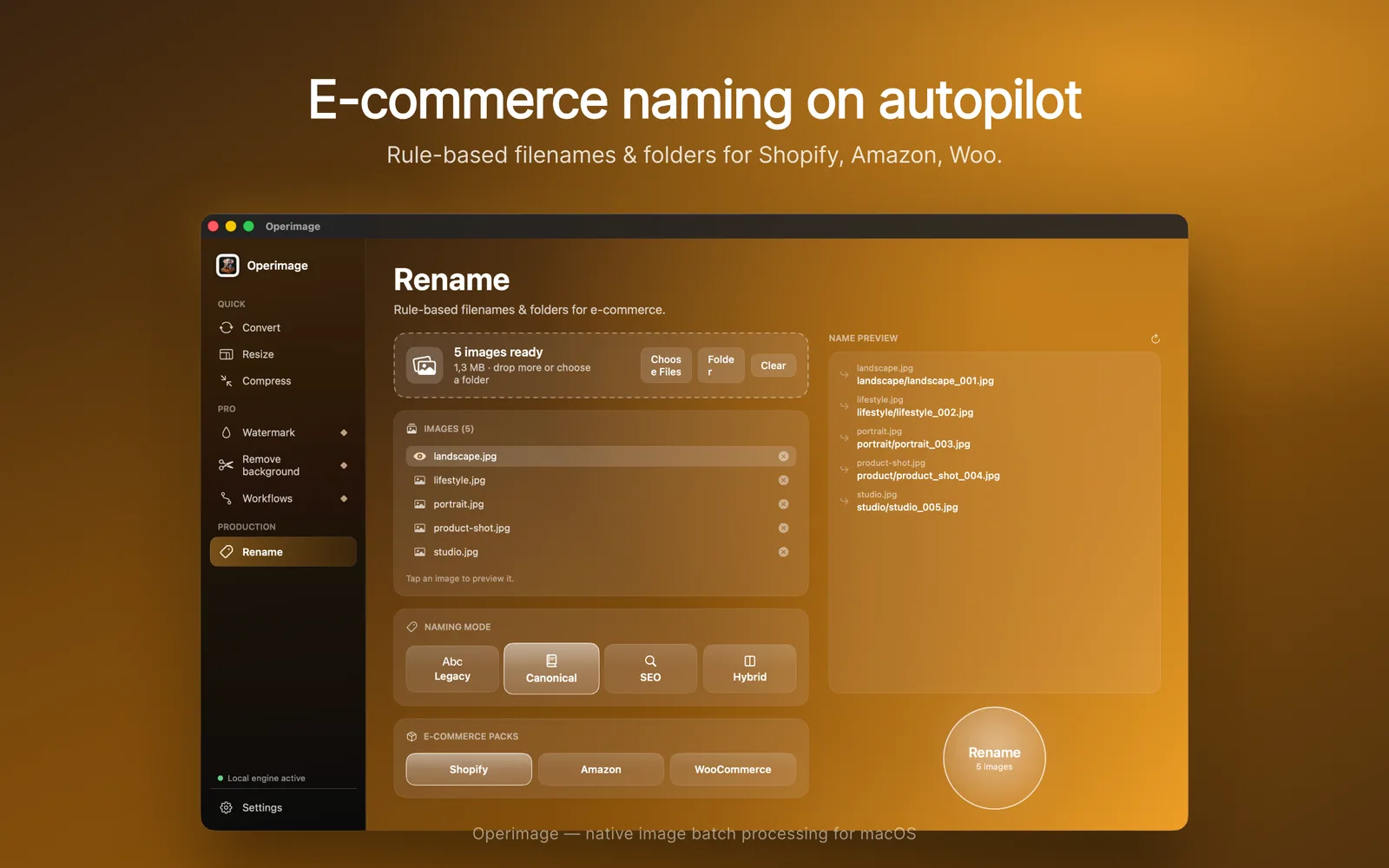
RENAME
Rule-based filenames and folders for Shopify, Amazon and WooCommerce. Repeatable export structures — no hand-renaming.
Workflow
A deterministic four-step flow built for batch safety and speed.
 01
01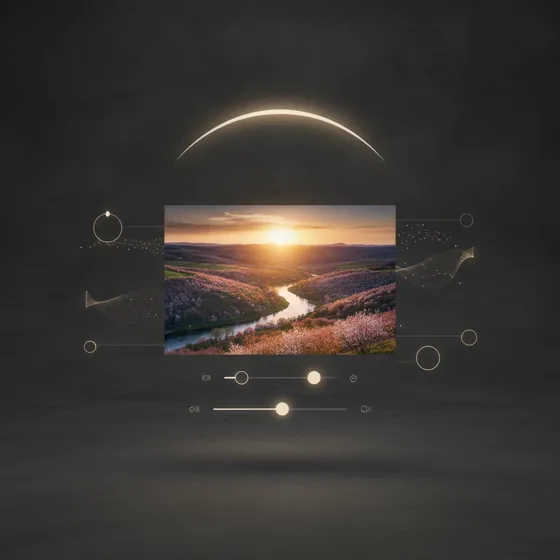 02
02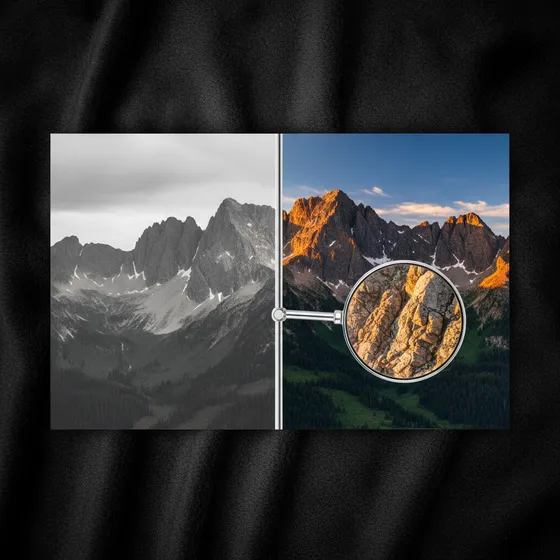 03
03 04
04Feature Set
Live capabilities and roadmap features are clearly separated.
LiveLocal Vision segmentation with Smart/Fast/Balanced/Best quality modes.
 Live
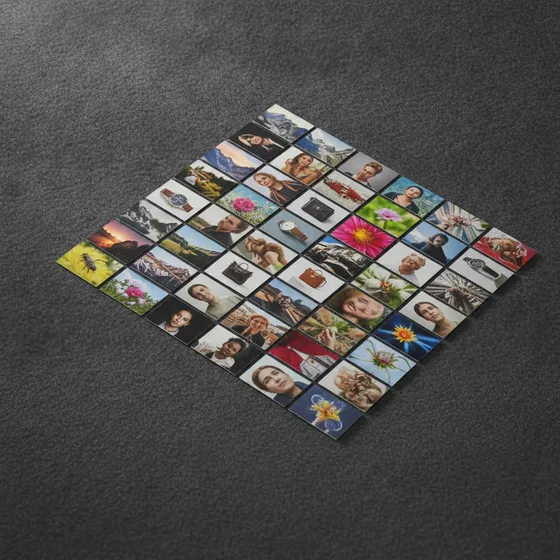
LiveProcess multiple files and folders in one queue with instant start.
 Live
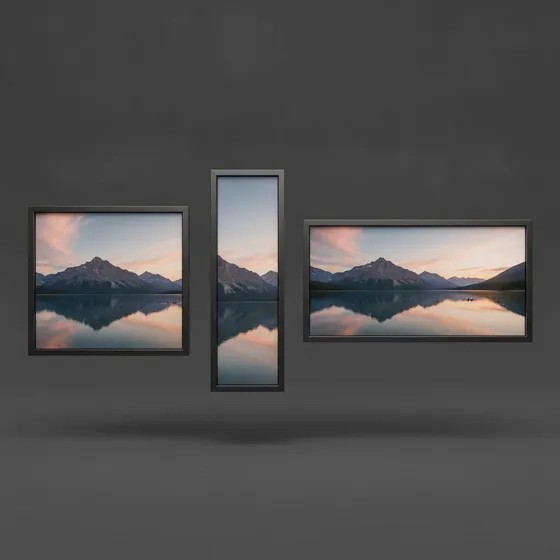
LiveExact, longest-side, percentage with Fit/Fill/Pad behavior controls.
 Live
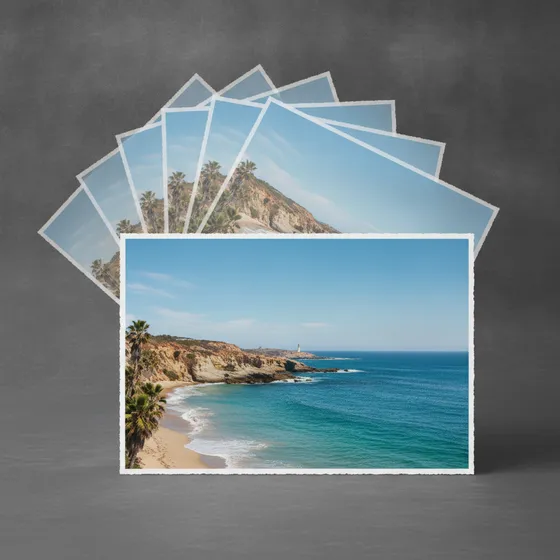
LiveJPEG, PNG, AVIF, HEIC, TIFF with quality slider and target-size AI.
 Live
LiveInstagram 1:1, Portrait 4:5, Reels 9:16, YouTube 16:9, X and LinkedIn.
 Live
LiveText or image watermark, opacity, padding, 9-point position selector.
 Live
LiveSave, load and delete named presets to standardize batch workflows.
 Live
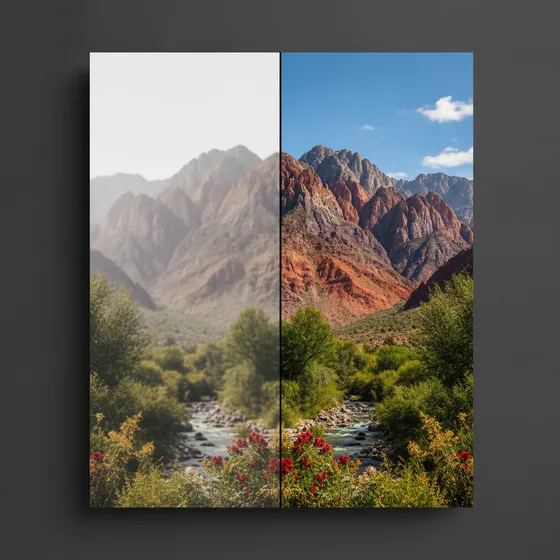
LiveVisual compare before export to avoid wrong batch outputs.
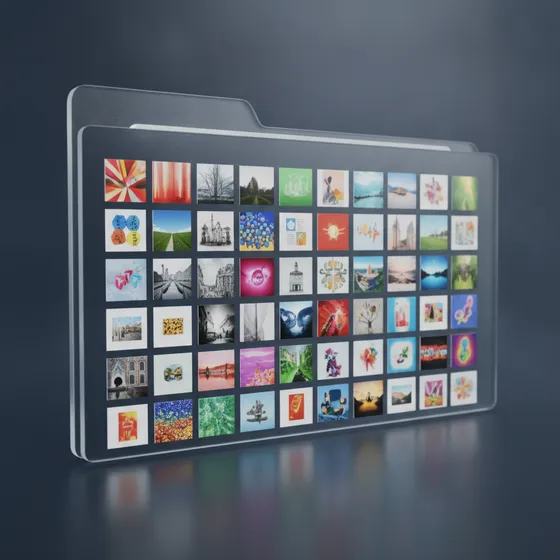 Live
LiveInclude subfolders, preserve structure and overwrite rules per run.
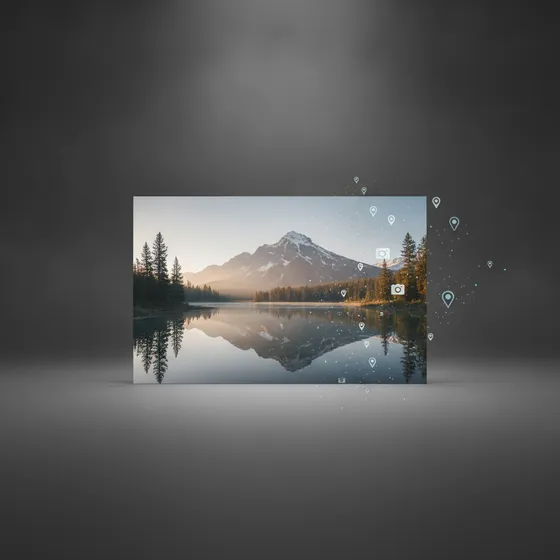 Live
LiveEXIF/IPTC strip toggle for privacy-safe deliverables.
 Coming soon
Watch Folder and Finder right-click integration for auto intake.
 Coming soon
ZIP/PDF pack, thumbnail sheet, WebP/GIF/ICO support.
AI
AI runs inside your Mac pipeline with no per-image cloud cost.
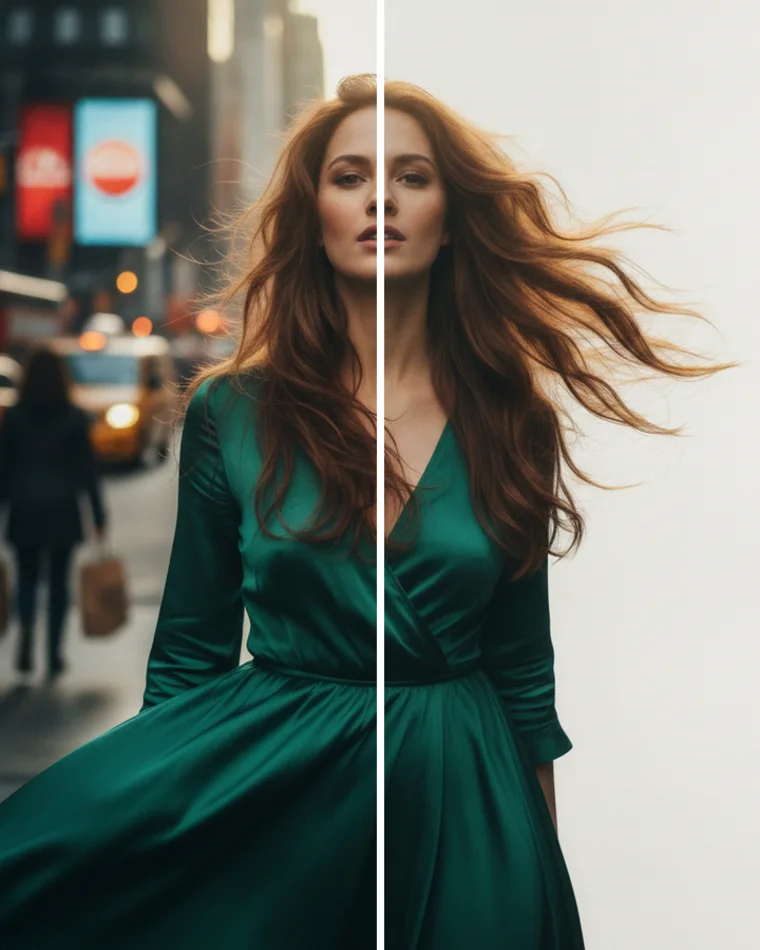 BeforeAfter
All AI operations are local, Metal-accelerated and cost-stable. No cloud transfer, no hidden per-image fee.
Social Presets
Tap one preset and export exact dimensions without manual math.
 1:14:59:1616:93:14:1
Comparison
Feature parity and pricing in one table.
| Feature | Operimage Best | Permute | Retrobatch | Squash | Preview.app |
|---|---|---|---|---|---|
| Batch processing | ✓ | ✓ | ✓ | ✓ | ✗ |
| AI background remove | ✓ | ✗ | Plugin based | ✗ | ✗ |
| Target Size AI | ✓ | ✗ | ✗ | Basic | ✗ |
| HEIC / AVIF output | ✓ | HEIC | HEIC | Web focus | ✗ |
| Social media presets | ✓ | Manual | Limited | Limited | ✗ |
| Watermark (text + image) | ✓ | ✓ | ✓ | Basic | ✗ |
| Before/After preview | ✓ | Quick look | Node result | Simple | ✓ |
| Preset save/load | ✓ | Profiles | ✓ | Simple | ✗ |
| Preserve folder structure | ✓ | ✗ | Script | ✗ | ✗ |
| Metadata strip/EXIF control | ✓ | Remove only | Node action | Basic | Limited |
| 100% offline | ✓ | ✓ | ✓ | ✓ | ✓ |
| Price | $0 core + $49 one-time AI | $14.99 | $99+ | $39.99 | Free |
WHO IT'S FOR
Whether you shoot, sell, create or ship — Operimage fits the way you handle images.


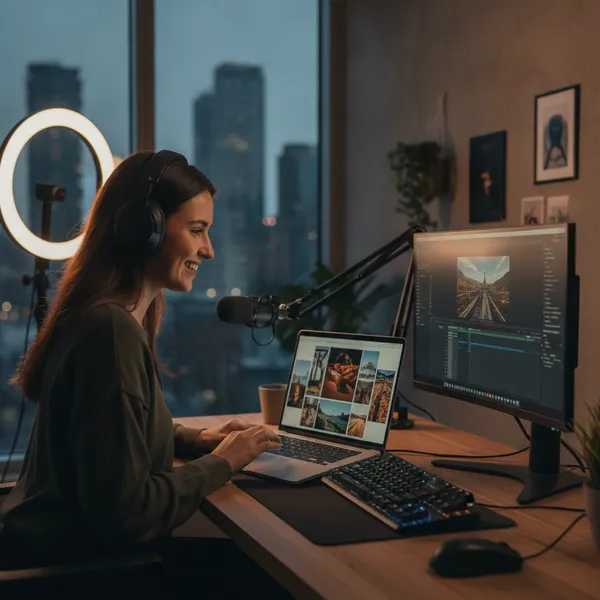


Pricing
No subscription. No tiers. Pay $19 once — all features and all future updates included.
OPERIMAGE
$19
One-time purchase. All features, all AI tools, Metal GPU acceleration, and all future updates — forever.
Already purchased? Customer Login
FAQ
Short answers before you download.
You keep using the version you already installed. Only future update access stops.